Day 0
Land the install
Get the binary, reload your shell, and confirm your first successful reply.
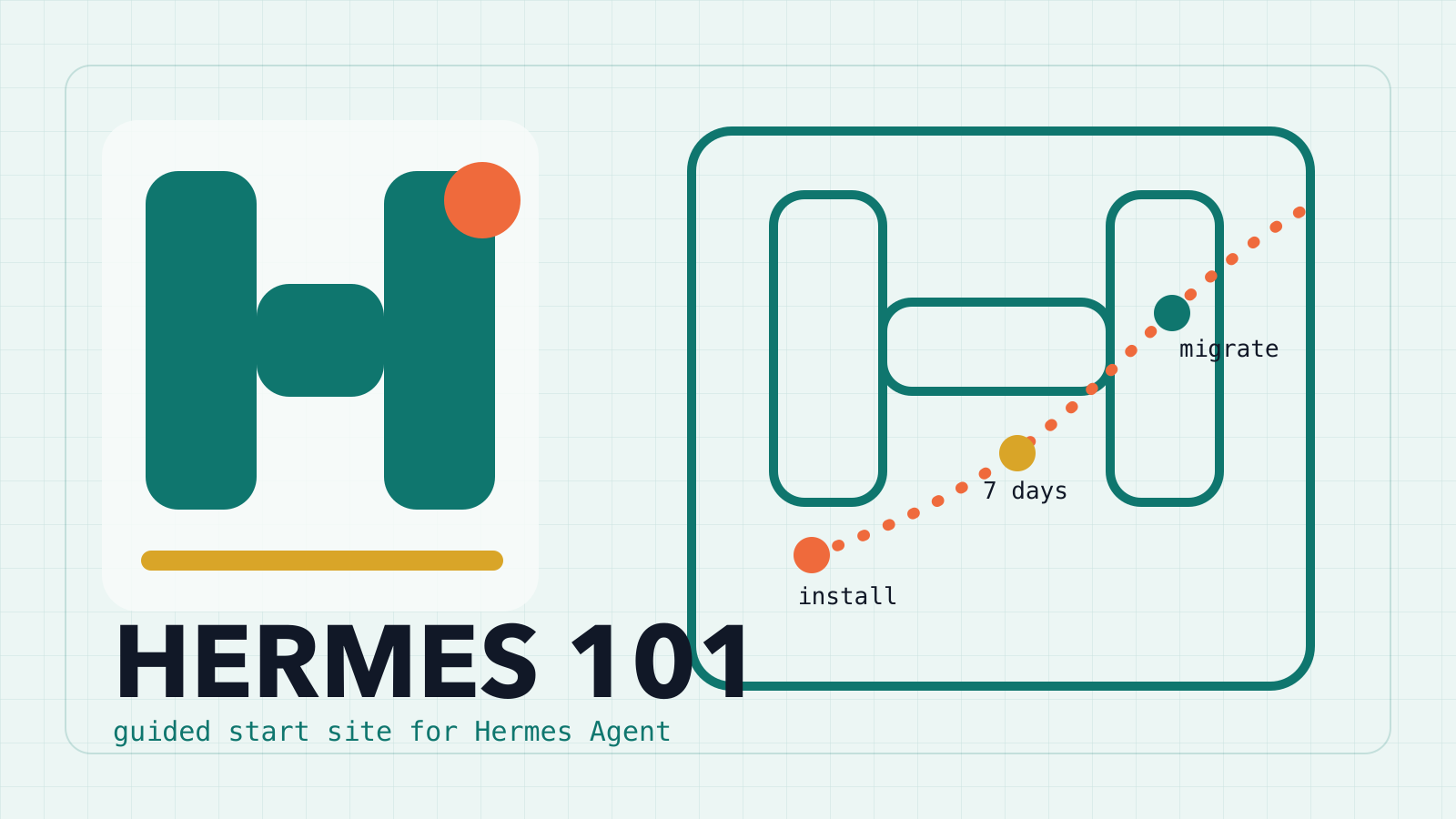
Hermes Agent starter site
Hermes 101 turns the first install, the first week, and the first OpenClaw to Hermes migration into one English Hermes Agent setup guide for working builders.
Use one clear setup path for macOS, Linux, WSL2, or Termux and verify the CLI before you move on.
Open sectionTurn the first week into a sequence of concrete wins: provider setup, tool use, channels, backups, and debug habits.
Open sectionPrepare the migration, run the command, check what moved, and validate the new Hermes setup with less guesswork.
Open sectionWhy start here
The reference project already proved the structure. This version keeps the same practical scope, rewrites the copy in English, and trims the Hermes tutorial into a static site that is easy to host and easy to scan.
Day 0
Get the binary, reload your shell, and confirm your first successful reply.
Week 1
Learn the core Hermes loop: setup, model auth, tools, channels, memory, backups, and debugging.
After that
Bring over OpenClaw state, harden your workflow, and use Hermes as the practical default.
What the site covers
OS-specific install steps with command verification
A seven-day practice arc instead of a long unstructured checklist
Migration prep, command blocks, post-flight checks, and FAQ coverage
Ready to begin
This site is meant to be walked in order. If you already know Hermes, jump straight to the migration or FAQ sections. If not, the setup page is the shortest path to a working environment.